The Recurring Appointments feature in Availabu allows your customers to schedule multiple appointments in a single booking session. This is ideal for services that require regular sessions, offering convenience for both your business and your customers.
Benefits of Recurring Appointments
Simplified Booking: Customers can book multiple sessions at once, eliminating the need to create individual appointments.
Flexible Scheduling: Choose the frequency and duration of recurring appointments to fit your services.
Google Calendar Integration: Recurring appointments are automatically synced with your Google Calendar.
Conflict Resolution: The system resolves scheduling conflicts automatically if a recurring appointment overlaps with an existing booking.
Types of Recurring Appointments
Recurring appointments can be configured as Daily, Weekly, or Monthly:
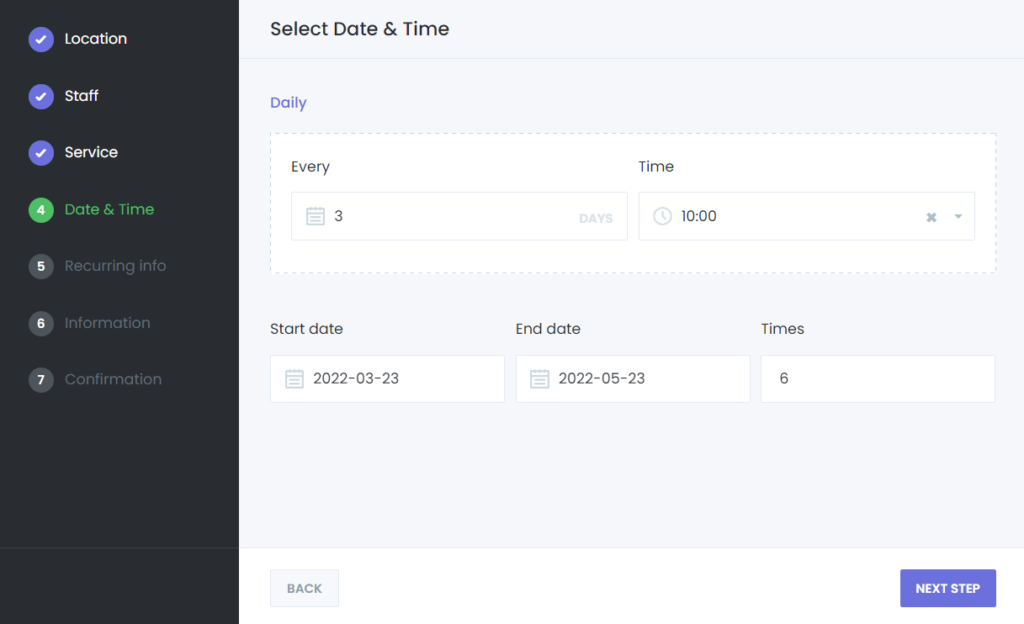
1. Daily Recurring Appointments
Determine the interval (e.g., every 1 day, every 2 days) between appointments.
Specify the start date, end date, and time for the appointments.
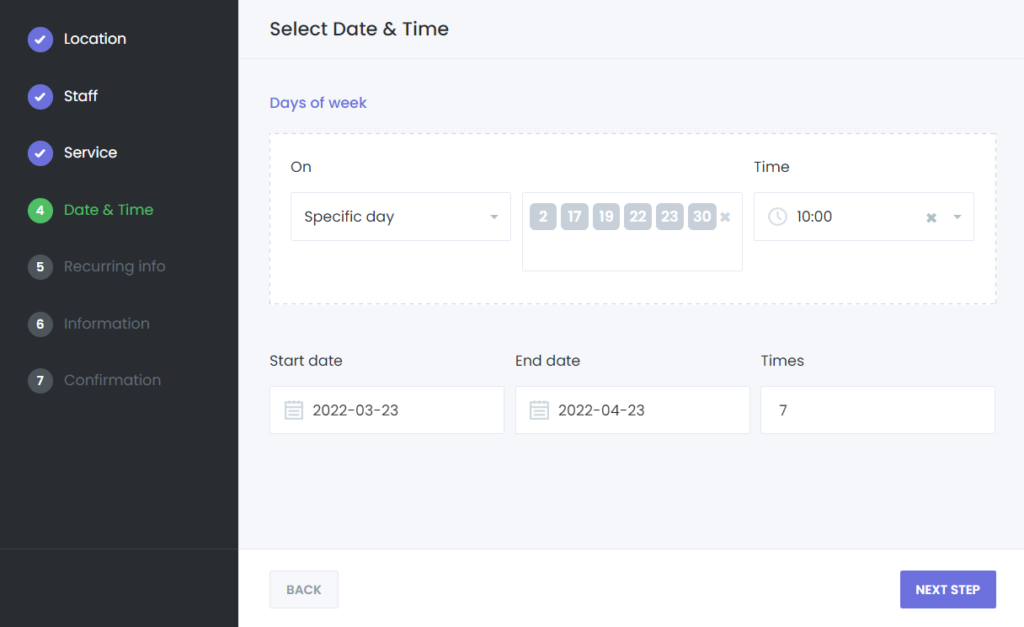
2. Weekly Recurring Appointments
Choose the specific days of the week (e.g., Monday, Wednesday, Friday) for recurring appointments.
Define the start date, end date, and time for each session.
3. Monthly Recurring Appointments
Select specific days of the month (e.g., 1st, 15th, last Friday) for the appointments.
Set the start date, end date, and time for each session.
Additional Options
Fixed Full Period
Automatically calculates the end date for the recurring appointments based on the service’s predefined duration.
Fixed Frequency
Limits the number of sessions within a specified timeframe. For example, a customer can book 10 appointments over a month.
Payment Options
Pay Once: Customers can pay for all recurring appointments upfront.
Pay Per Appointment: Customers pay for each appointment individually.
Example Use Case
Imagine you are a yoga instructor offering weekly classes. With recurring appointments, your customers can book sessions for the next 8 weeks in one go. They can select every Wednesday and Friday at 6 PM, and the system automatically handles the scheduling and potential conflicts.
How to Set Up Recurring Appointments
Configure the Recurring Appointments feature in the service settings.
Choose the type of recurrence (Daily, Weekly, or Monthly).